
Let the queue order itself
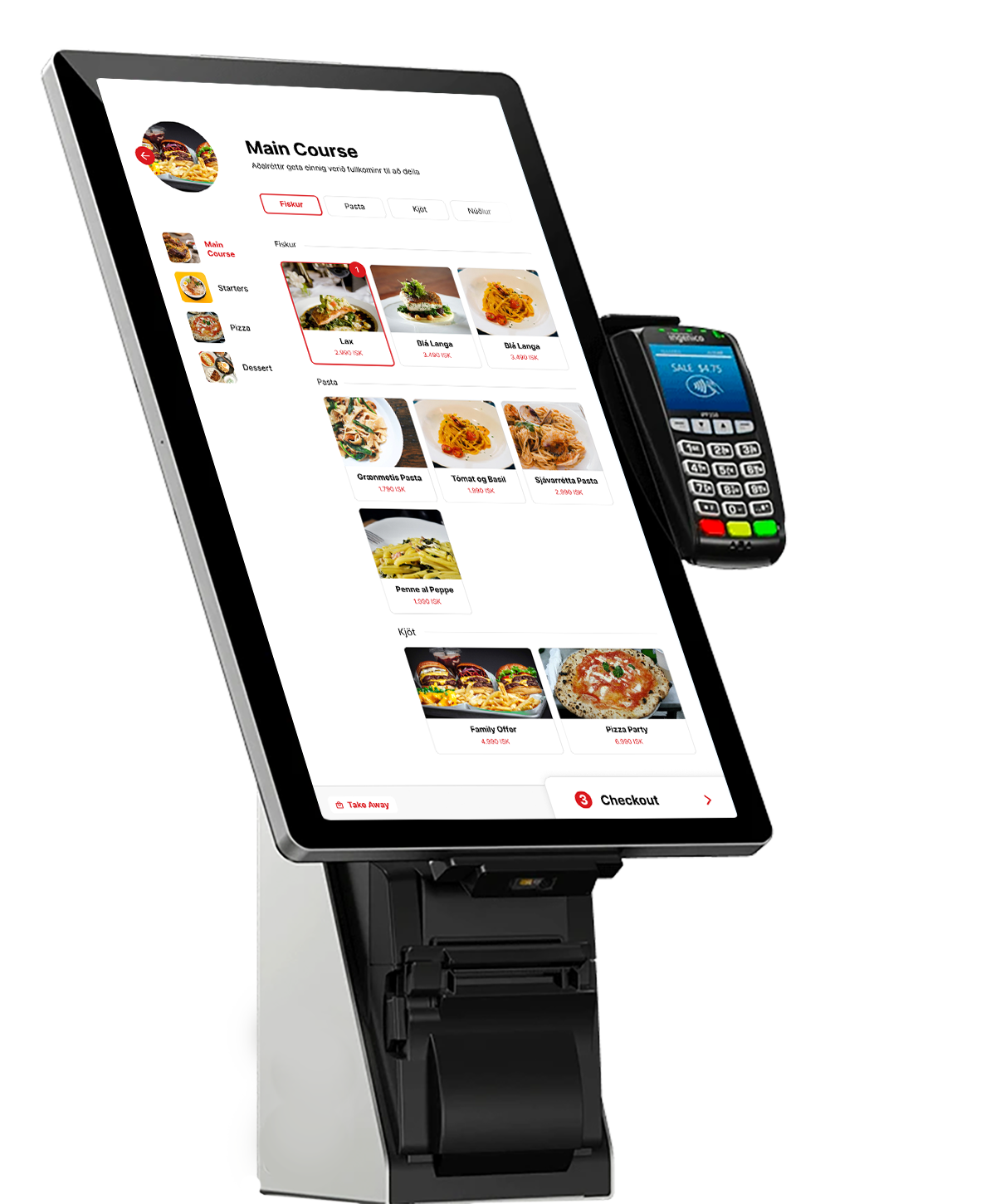
A touchscreen your customers order and pay at themselves, on a connected card terminal, so the queue moves at the speed people can tap.
A hardware choice, not a second product
The same kiosk, whatever the space
Kiosk runs on a full floor-standing screen, or on Kiosk Mini where counter space is tight. Same ordering software either way; the size is a hardware choice.
See kiosk hardware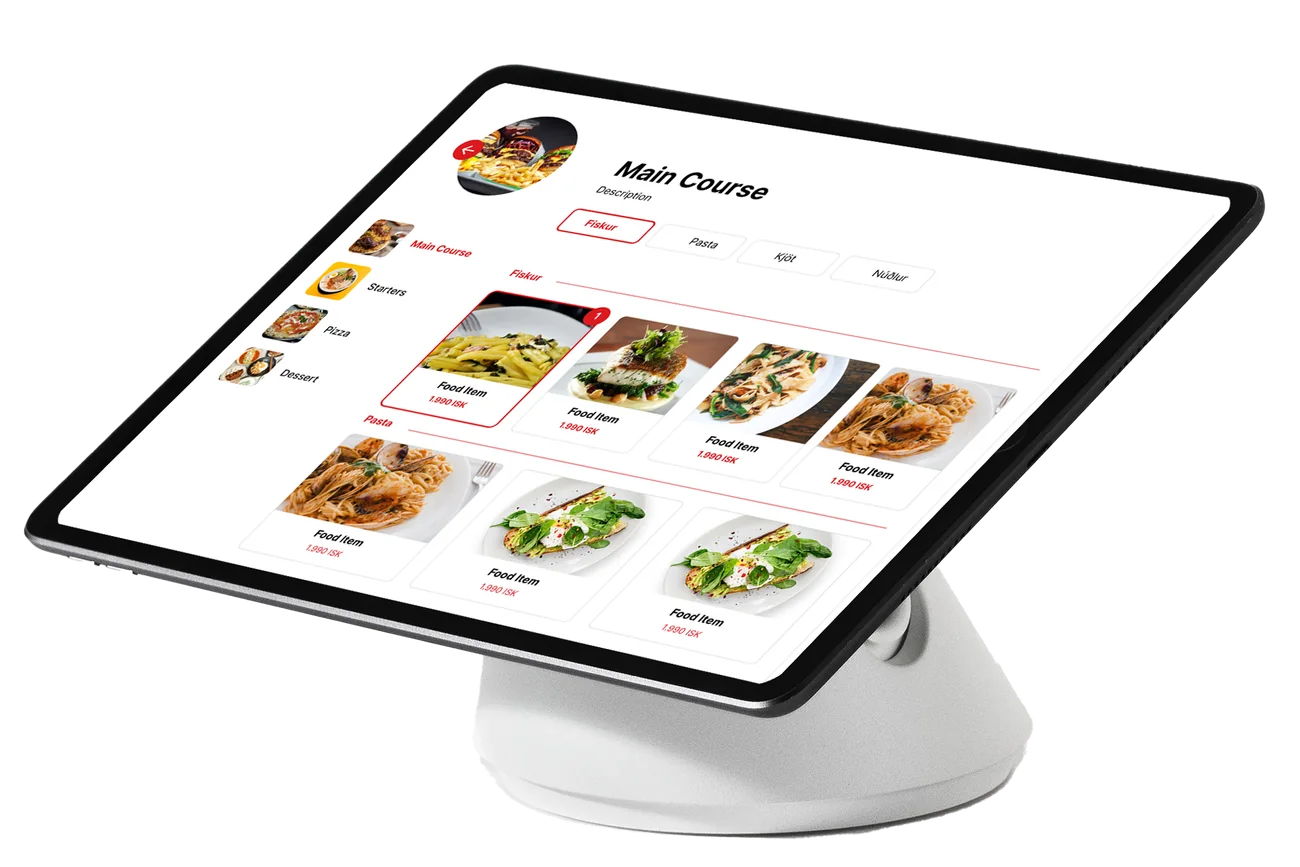
Get the order right
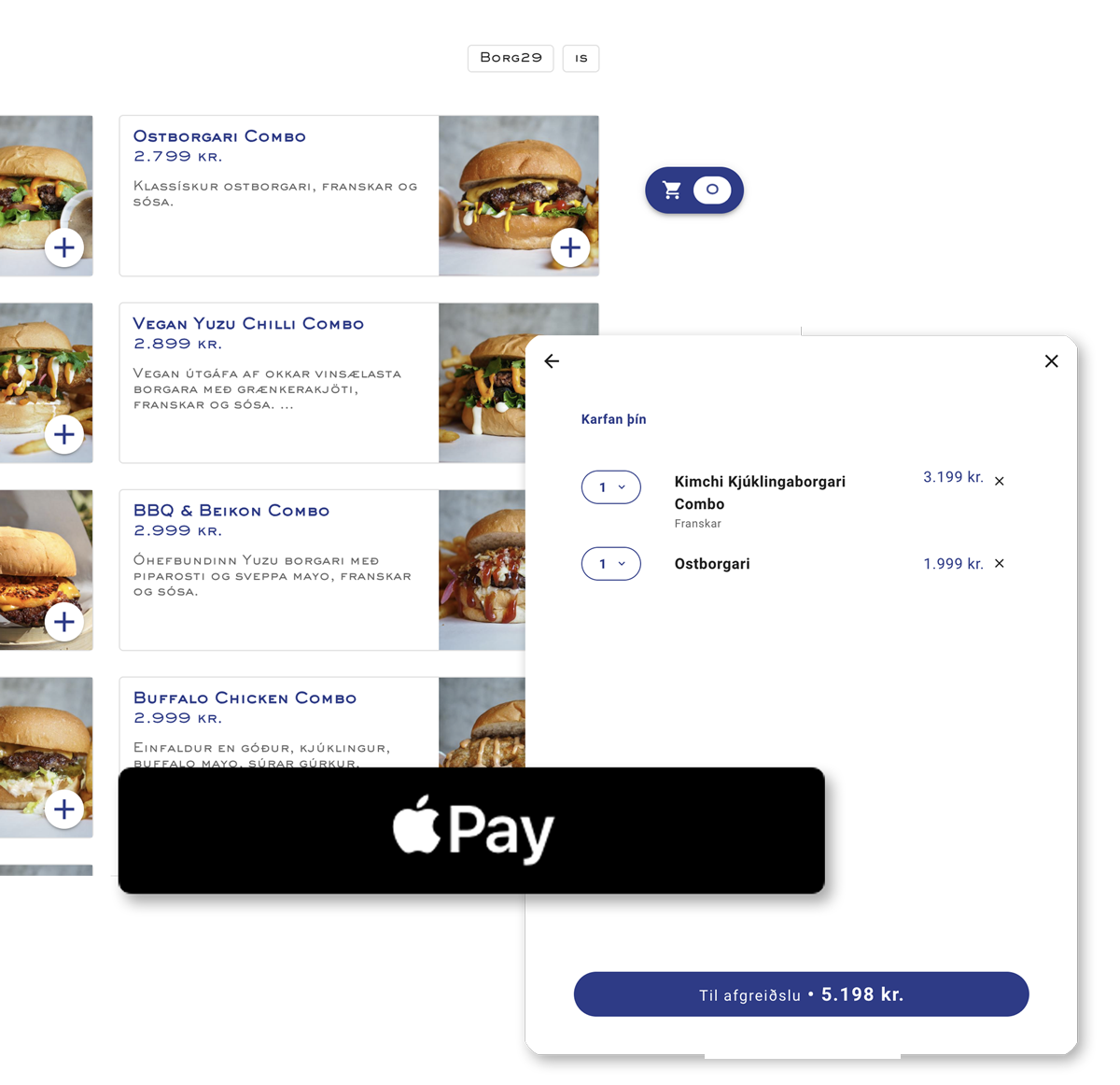
Modifiers and live stock
Build option groups for anything that varies: base, protein, extras, sides. Stock shows live, so nothing sells out mid-order.
Looks like you, not like us
Your brand on the screen
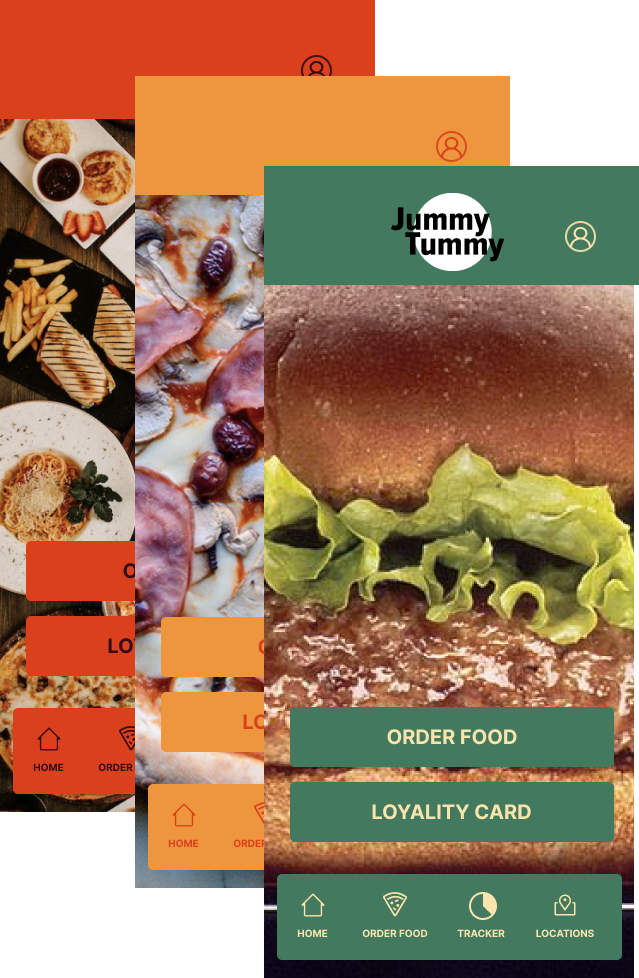
Set your colours and upload your logo. The kiosk carries your identity rather than ours, from the idle screen through to checkout.
Eat-in or take-away
Customers choose, and it carries through the order
Card payment
Customers pay at the kiosk on a connected card terminal
Your colours and logo
Brand the screen without involving us
Multi-language
Customers order in the language they read
Portrait or landscape
Configure the layout to fit the space
Pop-ups and events
Take orders at an event or pop-up, not just a fixed counter
Vouchers and coupons
Same tender types as a staffed till
Relentless customer support
We're here for you 24/7
Runs on our restaurant system
Our restaurant tools run on a separate system from Noona HQ, with its own account and login. Book a demo and we will get you set up on the right one.
About the restaurant systemFrequently asked questions
What is a self-ordering kiosk?
A touchscreen terminal where customers browse your products or menu, build their order, and pay on a connected card terminal, all without staff. The order goes straight into your system exactly as they entered it.
What's the difference between Kiosk and QR ordering?
A kiosk is your screen, standing in your venue, and customers walk up to it. QR ordering happens on the customer's own phone, usually at a table. Kiosks suit counter service and queues; QR ordering suits table service. Plenty of venues run both.
What's the difference between Kiosk and the check-in app?
The check-in app is for appointments: clients arriving for a booking check themselves in and pay. Kiosk is for ordering, where customers choose products or menu items from scratch.
Is Kiosk Mini a different product?
No. Kiosk Mini is a hardware option rather than separate software: a tablet on a weighted desk stand, for counters where a floor-standing screen will not fit. Kiosk runs the same ordering software on both.
Can I brand the kiosk screen myself?
Yes. Set your primary and accent colours and upload your logo from your company settings, with no involvement from us needed.
Do gift cards and coupons work at a kiosk?
Yes. Digital vouchers and coupons redeem at the kiosk the same way they do at a staffed till, so self-service customers aren't cut off from your promotions.
See it running in your venue
The restaurant system is set up with a specialist, not from a signup form. Book a demo and we will configure the till, menus, and payments around how your place actually runs.
Book a demo →