
Every client, remembered
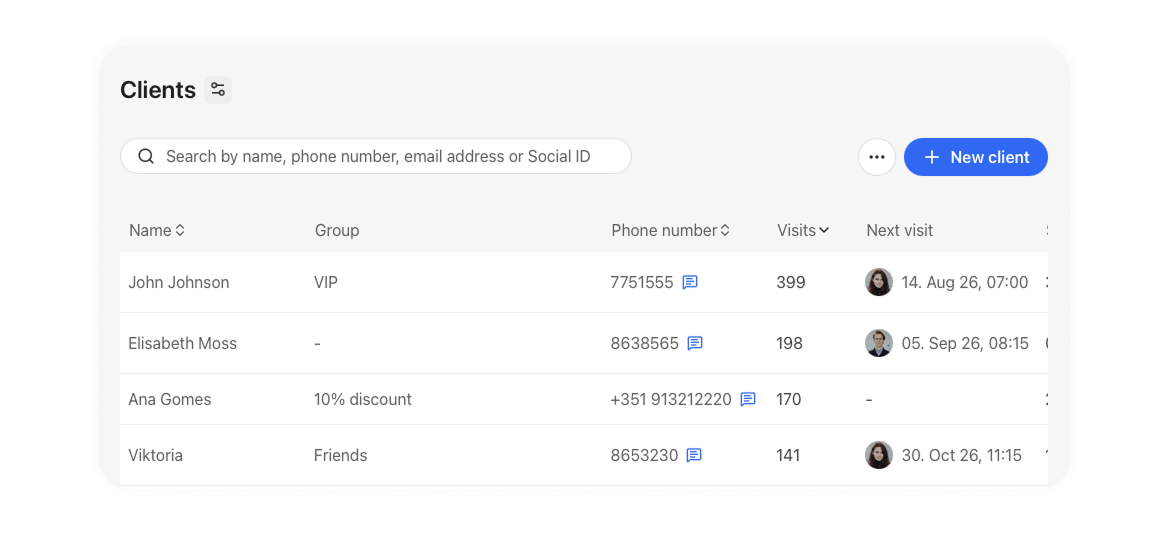
Noona builds your client database as you work. Every booking creates a profile that fills with visit history, purchases, and notes — no data entry, no spreadsheet.
3,500+
Businesses on Noona
24/7
Support, whenever you need it
No data entry required
Profiles that create themselves, history included
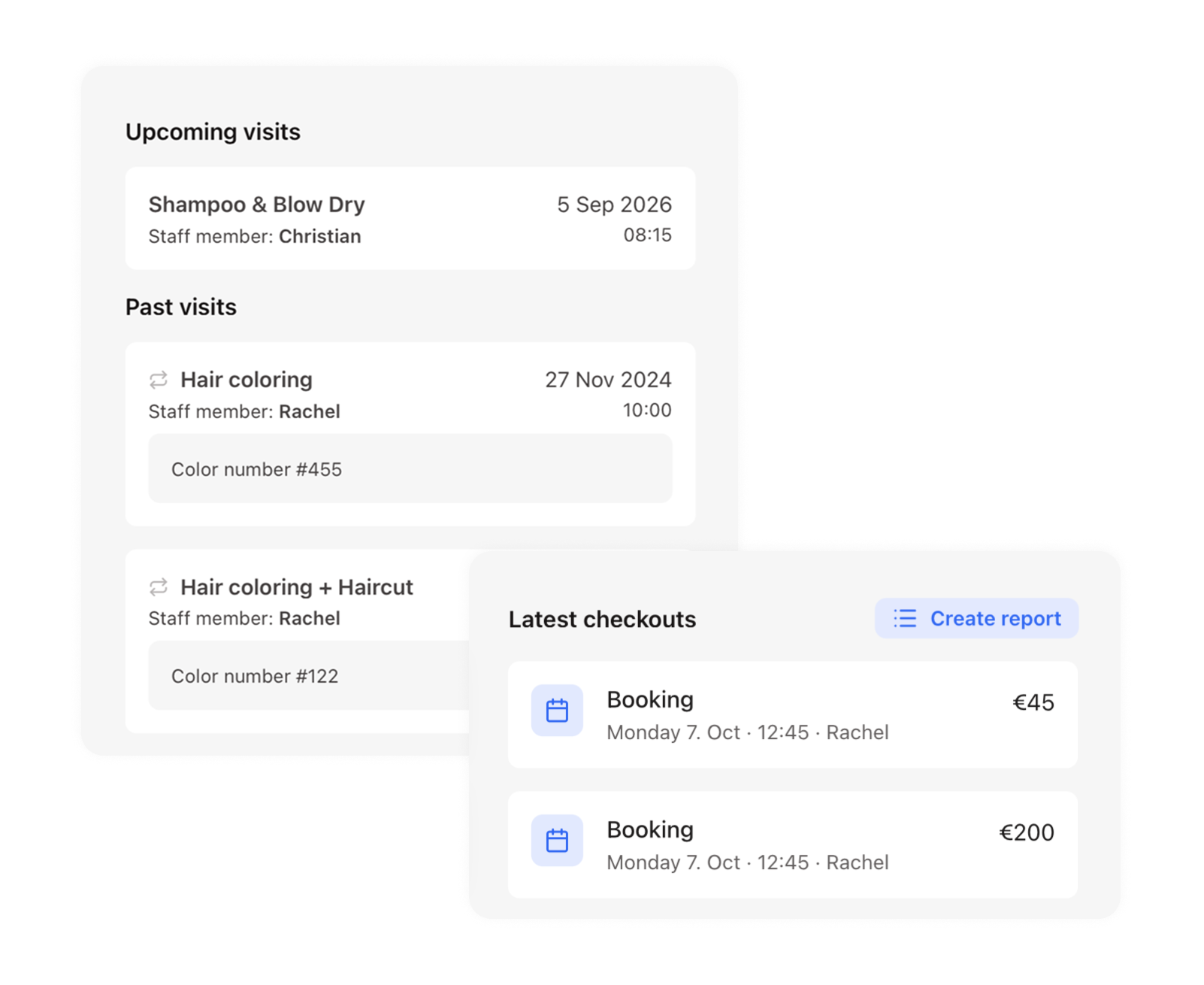
Every client gets a profile without anyone typing it in. Open one and their whole history is there: past visits, upcoming ones, and everything they have bought.
Notes, and your own fields
Remember more than the booking
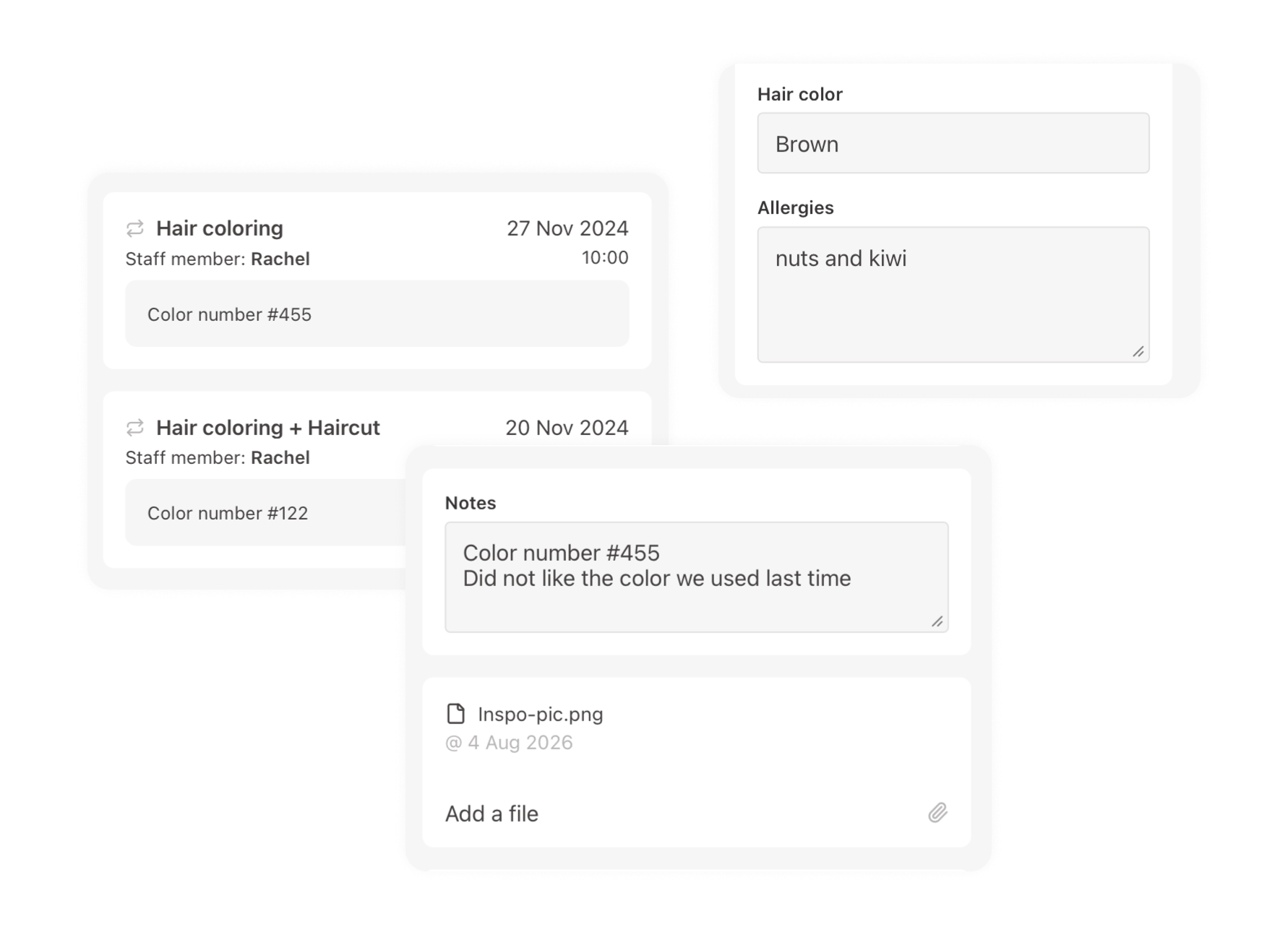
Client notes follow someone across every visit; appointment notes stay with one booking. Add custom fields for whatever your trade records every time: hair type, allergies, membership tier.
Pricing that fits the relationship
Client groups
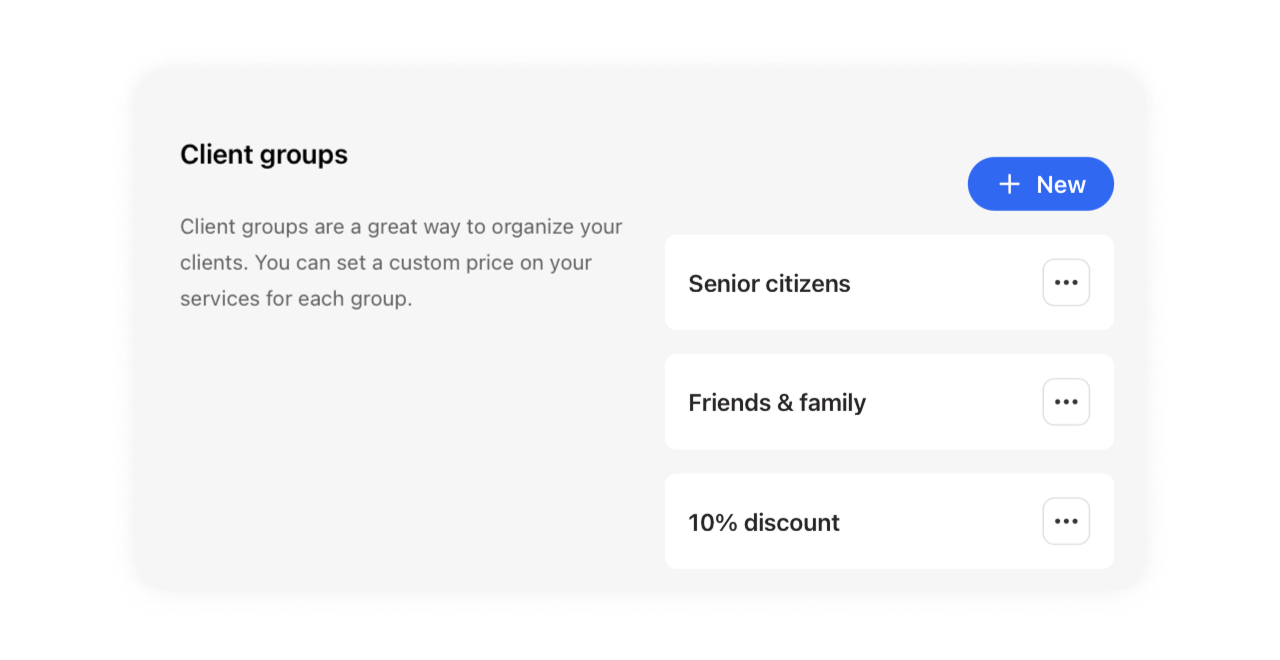
Group the clients who do not pay list price, then set a custom price per service. The right price appears automatically at checkout.
“After trialing a few other softwares, in Noona HQ, I finally found a very clean and easy solution that allows me to focus more on my own customers. I rely on Noona HQ to take care of time-costing and "boring" tasks and they do the job impeccably well. Me and my own customers love Noona!”
Dora
Flow by Dora

Booking questions
Ask a question on any service; the answer lands on the appointment
Import your list
Bring existing clients over from a spreadsheet
Photo attachments
Track treatment progress with before and after images
Purchase history
See what a client bought last time, right at checkout
Four custom field types
Short text, long text, dropdowns and checklists
Search by name or phone
Find anyone in seconds, however you remember them
Exportable lists
Filter your appointments and export to a spreadsheet
Relentless customer support
We're here for you 24/7
Frequently asked questions
Does Noona create client profiles automatically?
Yes. A profile is created when a client books online and when you add an appointment manually. You can also create one during checkout, which is handy for walk-ins buying products without booking a service.
Can I import my existing client list?
Yes. Noona imports from CSV and Excel. Include first name, last name and contact details, and the rest of each profile fills in as clients book and buy.
What's the difference between client notes and appointment notes?
Client notes follow a person across every visit: allergies, preferences, service history. Appointment notes belong to a single booking and include anything the client wrote when they booked.
Can I store medical notes or allergy information?
Yes, as client notes or as a custom field, and you can attach photos to treatments. Anything you record stays with the client profile and is visible to your team when they open the appointment.
Can I charge different prices for different clients?
Yes. Client groups let you set custom pricing for a segment such as family, staff, or regulars, and the correct price is applied automatically at checkout.
Where do I see what a client bought previously?
Purchase history appears on the checkout screen once you've selected the client. This requires the Point of Sale power-up, which you can check under Settings and Subscriptions.
Ready to take the next step?
Pick the path that suits you best.